If your assigned website role is Scout Administrator, you can add new users to your site and assign them a role, such as Editor or Author.
Log in and go to the dashboard.
Click on Users in the left-hand panel.
Click on Add User.
Complete the fields below, and choose Send the new user an email about their account. It may also be worth emailing their details to them too.
If you’ve just been added as a new user, please make sure you change your password because this password may have been shared with the user who set your account up for you during the process.
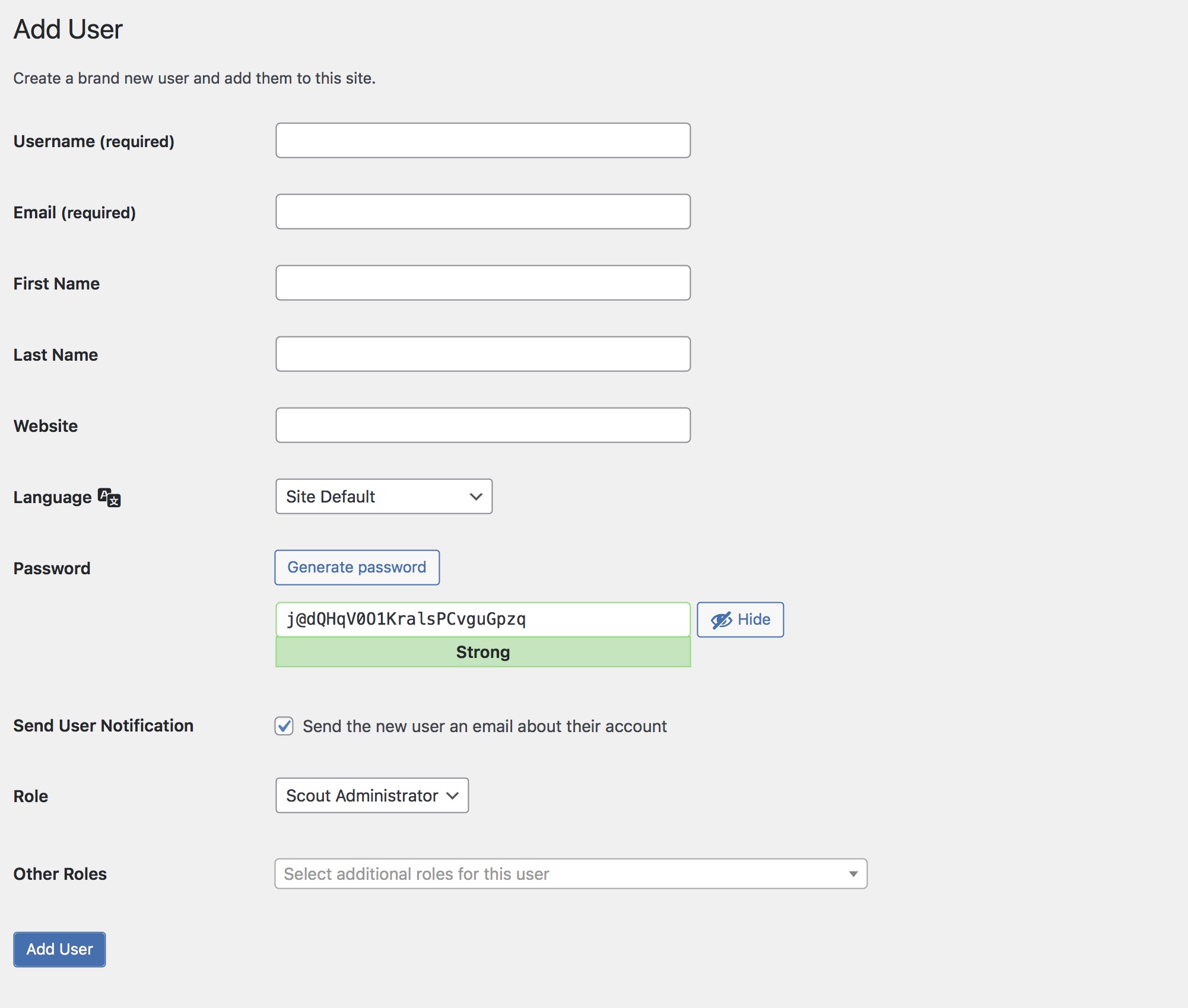
Simply click the dropdown box next to Role to assign your new user a role.
There are three main roles:
Scout Administrator – the highest level of access – can change settings
Editor – able to manage content
Author – able to create content