Your site already comes with pre-built Contact Us and Join forms, but you can also create your own bespoke forms.
You can find the Contact Us and Join forms by clicking on Forms on the dashboard.
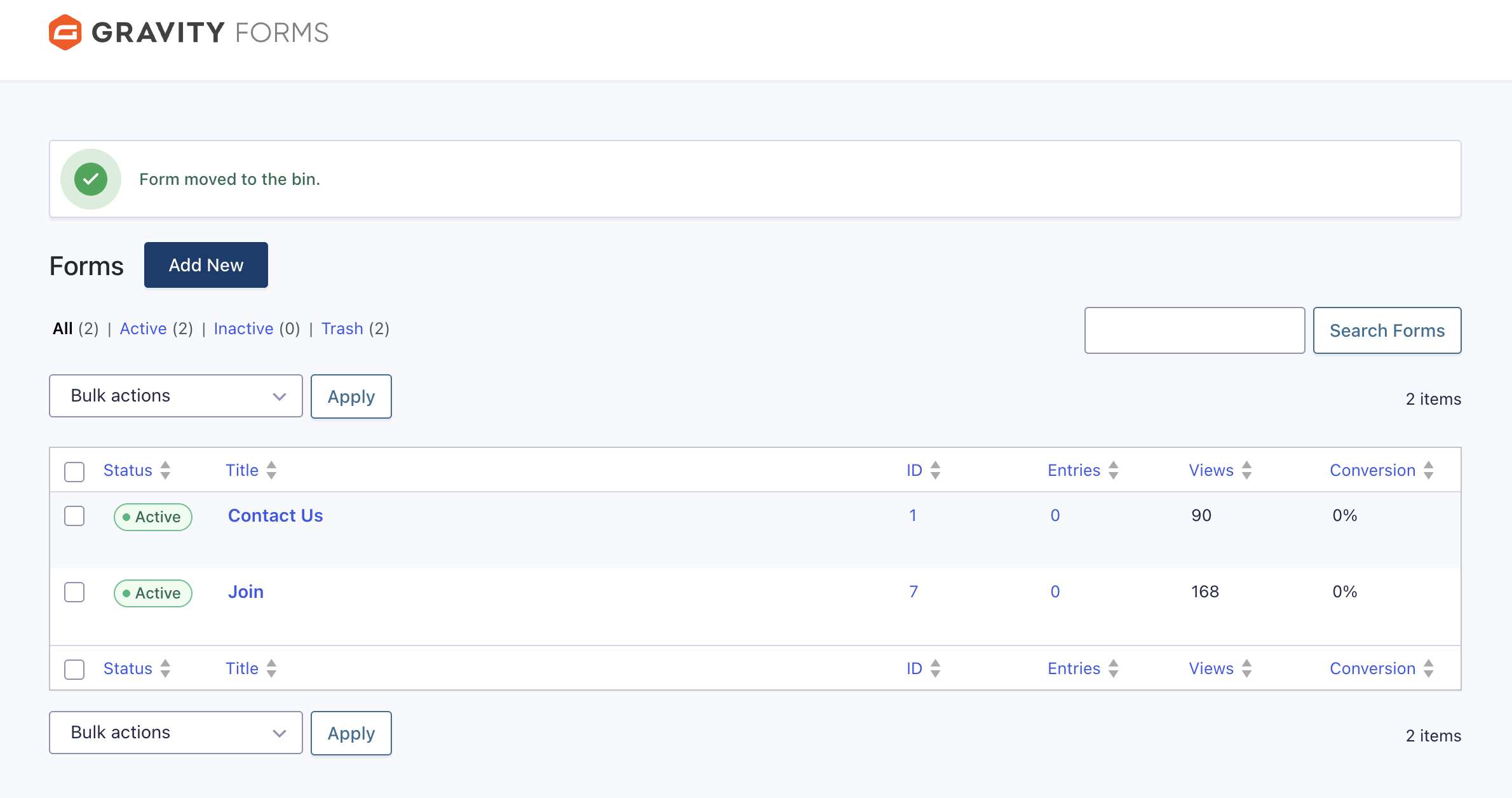
Note that each form has its own ID, as shown in the table above. This is important when you add a form to a page.
When you hover over a form in the table, various options appear, such as Edit and Settings.
One of the options is Duplicate. You can duplicate and adapt an existing form rather than creating one from scratch. When you duplicate a form, it will automatically be assigned a new ID.
If you are editing a page or news article (or creating a new page) you will see a button called Add Form next to the Add Media button.
This is the generic WordPress form. However, we use Gravity Forms which is a plugin that lets you build custom forms using a simple drag-and-drop editor. You access Gravity Forms from the Forms area of the dashboard.
If you require a Nights Away Notification form, please let us know and we can easily build this for you using our template or one that you provide.