
Your website comes with two forms already set up – a Contact Us form and a Join form. You will have told us during the build stage the email address(es) you want the forms to ‘point to’ – in other words, who gets that information.
It is easy to change.
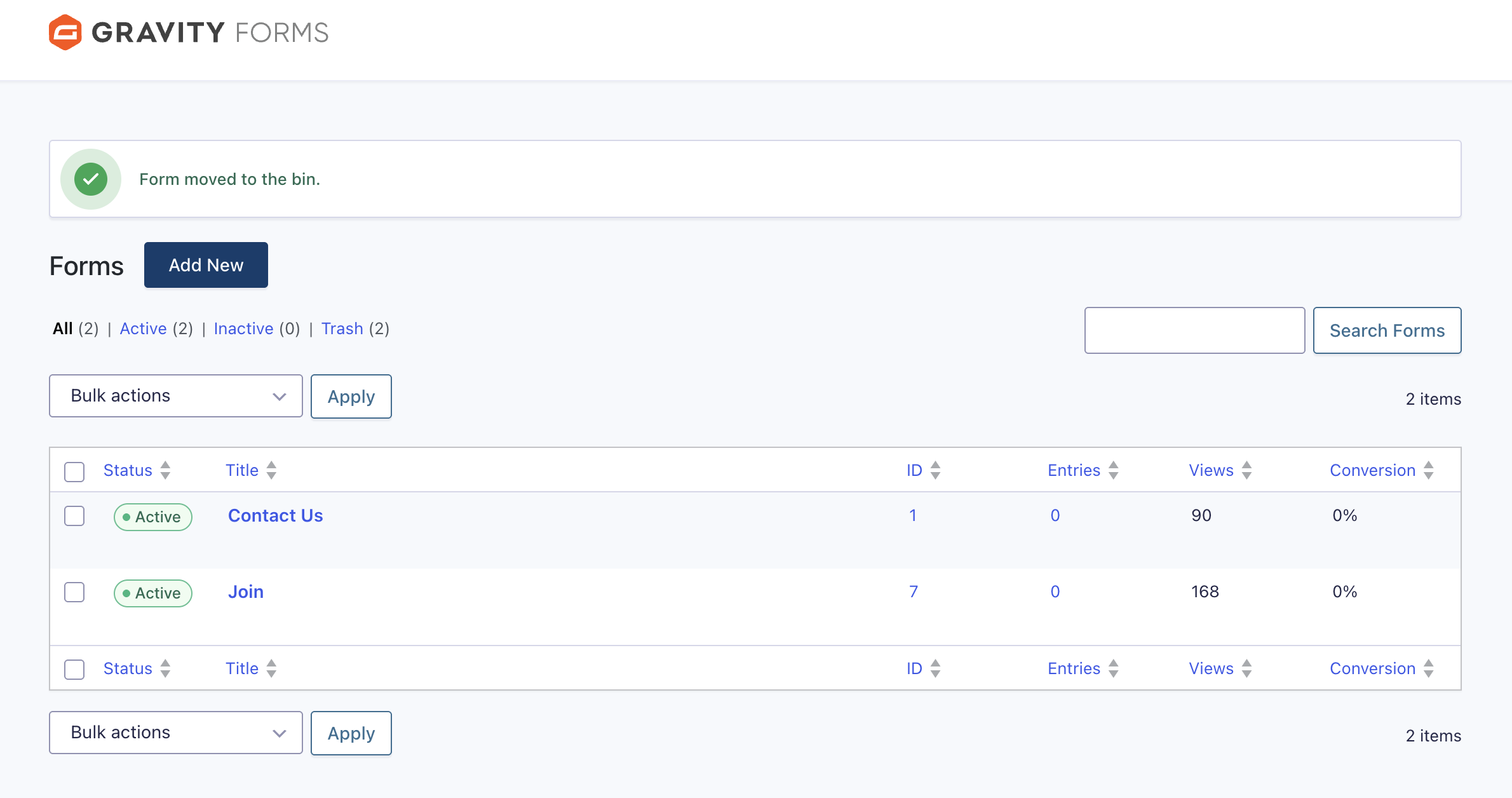
Click on Forms on the dashboard.
Find the form you want to edit (eg Join) from the list of forms.
Hover over the form name and a set of options will appear.
Hover over Settings and click Notifications.
Click Edit under Admin Notification.
Update the email address that you want the form to go to.
Click Update.