company logo

Help center

Go to Scout Websites
View invoices and paymentsVisit our websiteContact support team
All collectionsPhotos & GalleriesAdding a banner message to your Photo Gallery page

Adding a banner message to your Photo Gallery page

This article explains how to add a short message at the top of your Photo Gallery page.

You can add a short message in a coloured banner to the top of your Photo Gallery page. This might be useful to highlight a new gallery that you have uploaded, for example.
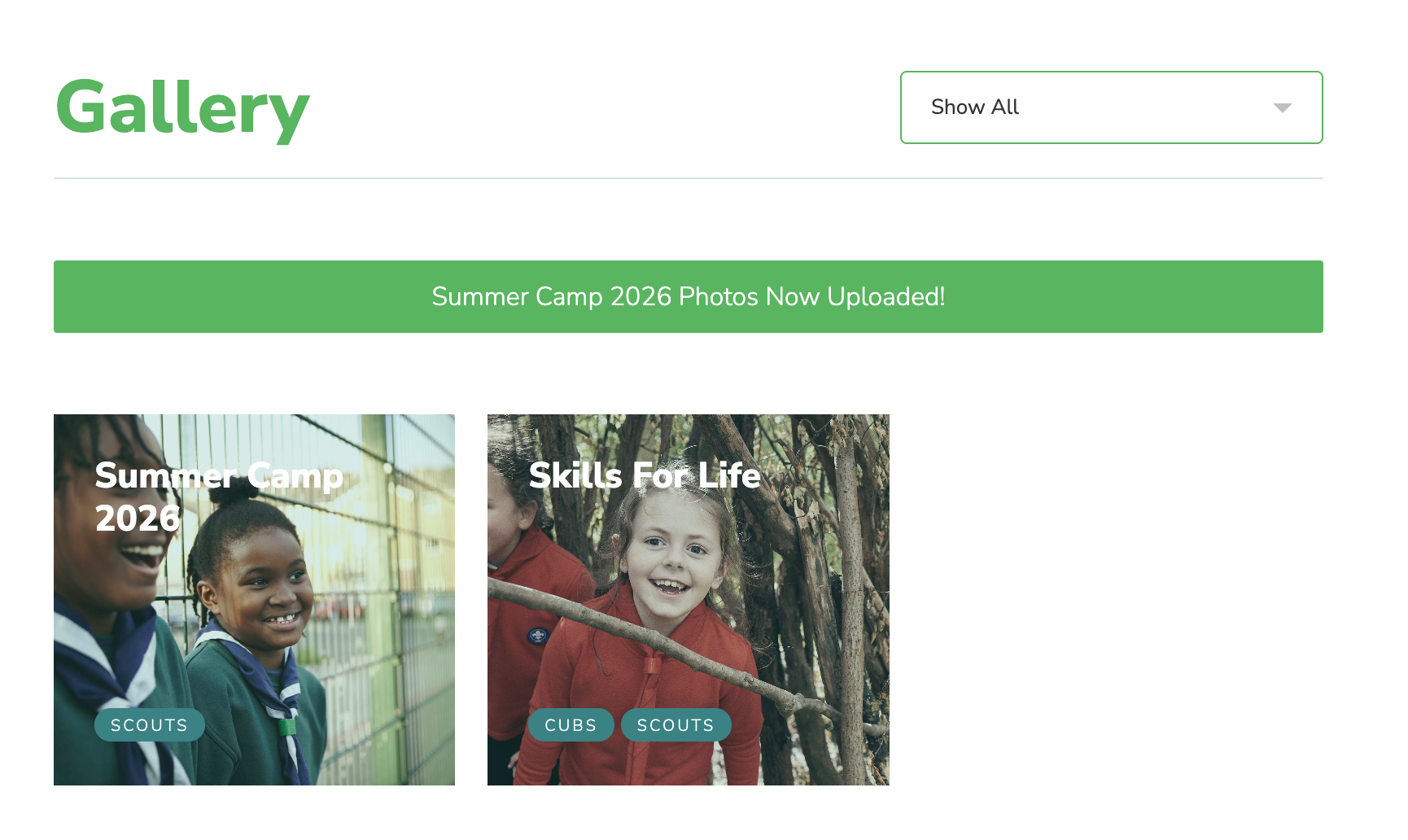
Here’s how to add a banner message:

  • Click Admin Options on your dashboard.

  • Click Gallery.

  • Enable Add message.

  • Write your message in the box.

  • Click Update.