
Your menus can contain things other than pages on your website.
For example, you may want to link directly to a page on another website.
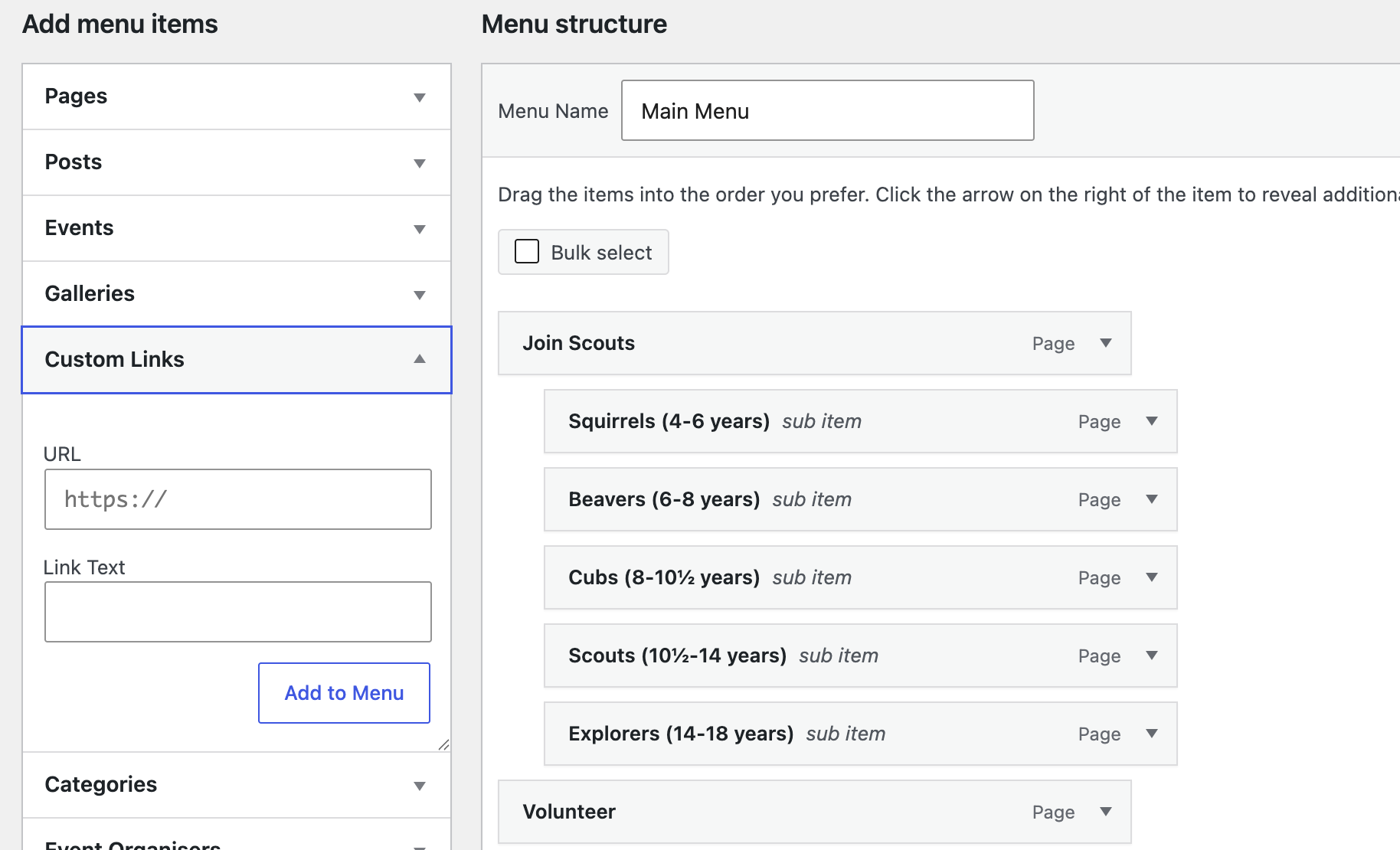
It is a similar process to adding a page to a menu.
Click the dropdown arrow for Custom Links in the Add menu items panel.
Type in or copy-and-paste in the URL of the webpage you want to link to.
Add a title in the Link Text box. This title is what will appear in the menu.
Click Add to Menu.
Move it around the menu in the usual way.