
It is easy to add and delete a row in a table.
Click here to read about looking at a table in code editor.
Every row starts with <tr> and ends with </tr>.
In the image below I have highlighted the row about Holly Bennett.
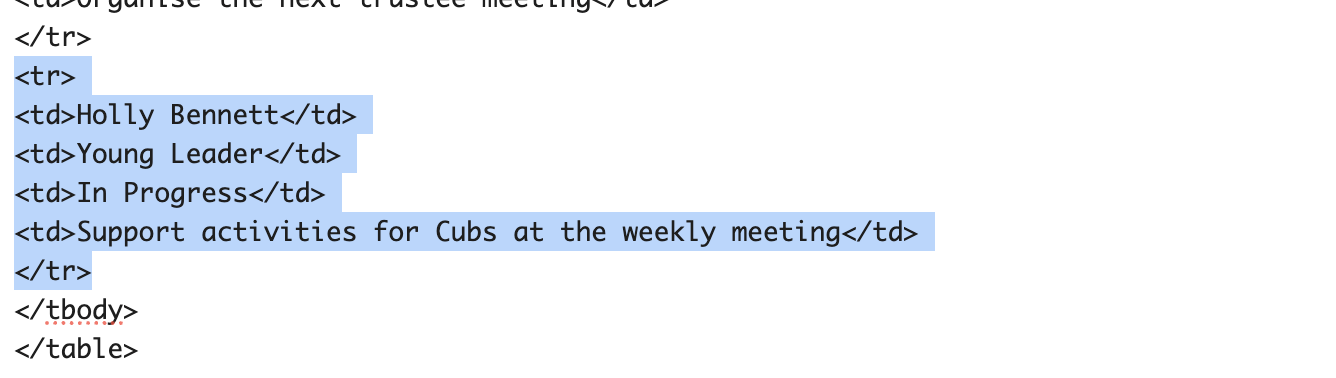
To delete the highlighted row, simply press delete on your keyboard.
To add a row, copy the highlighted row and then paste it after the last </tr>.
You have added a row and can then edit the wording in the cells.