
Your website supports four menus and when we launch your website we are using all four locations.
You can choose to replace one or more of these four menus with a menu of your own.
You can only replace a menu with one of a similar size – otherwise it will not display properly.
It is very easy to create a new menu.
Log in and go to your dashboard.
Click on Appearance in the sidebar and then Menus.
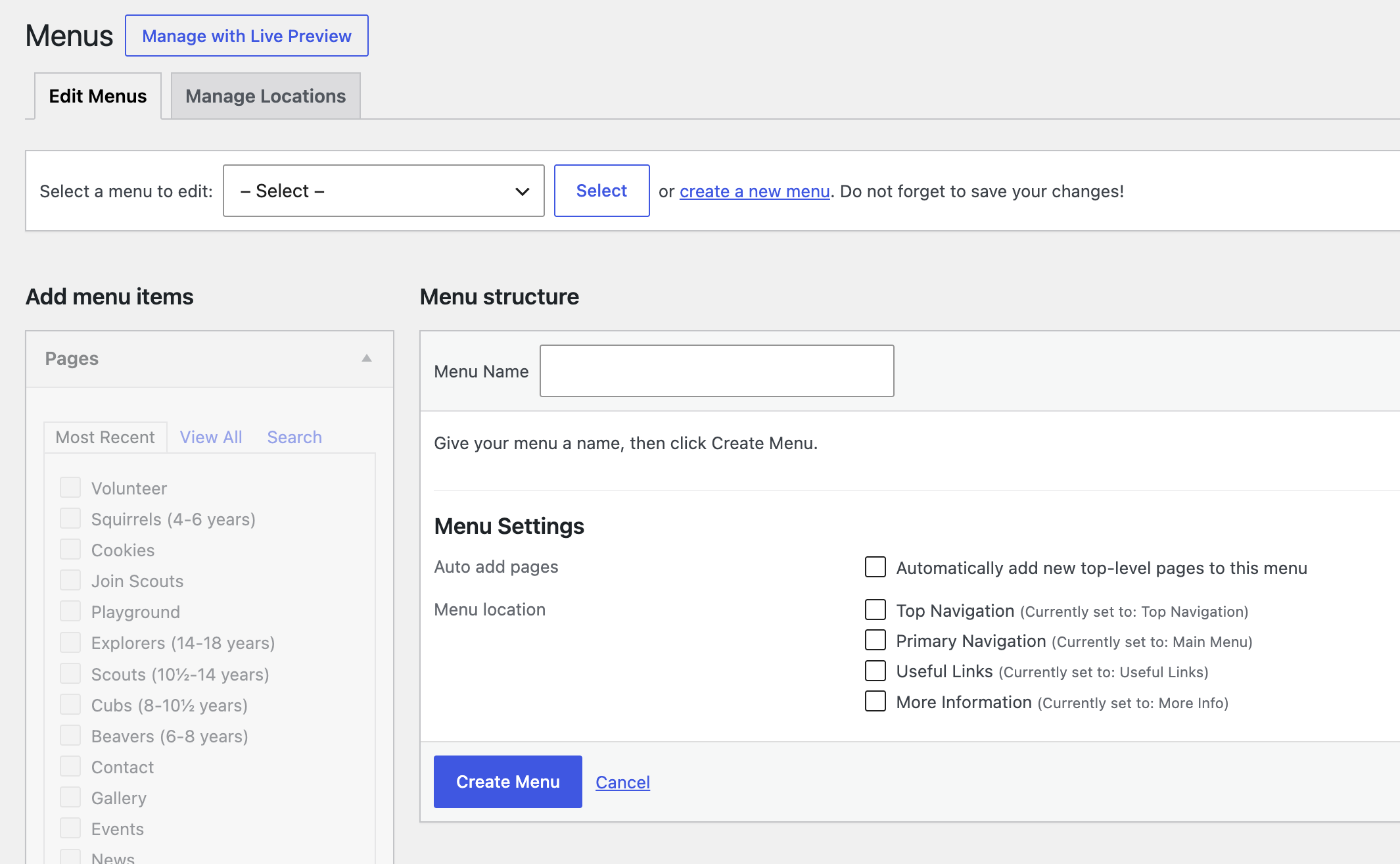
Click the link in the Select a menu to edit box near the top that says create a new menu.
Give your menu a name and click Create Menu.
Click here for details about how to add pages to a menu and edit a menu.
Click here for details about how to assign a menu to a location.